


Plenty of small B2B websites go months without a single change after launch, and that isn’t always a problem. If your products or services stay the same for years and the site has no resources section to feed, there may simply be nothing to update.
The trouble usually starts when someone breaks that silence. Six months or more after launch, a person on the team decides to make a change. The training has long since faded, and the change they attempt is more ambitious than a quick text edit.
Sometimes the result is obviously wrong and they spot it straight away. More often it’s a quieter problem, such as a layout that only falls apart on phones or a page that no longer follows basic SEO practices.
We tend to find these the next time we work on the site, or the client realizes they’ve gone beyond what they’re comfortable with and asks us to set it right. Neither outcome is a disaster. But both are avoidable once you decide, deliberately, who looks after the site and how.
Three ways companies handle it
After launch, our clients tend to settle into one of three patterns. We’re happy to work with all three, and each can work well:
- The self-sufficient. A handful of clients take the training and we practically never hear from them again. They handle every content update themselves, sometimes including new pages built from a template we’ve set up for them. Changes happen quickly and cost nothing extra. When we do look at the site later, we sometimes find things that weren’t done in the most efficient or correct way, but for the most part these clients stay self-sufficient.
- The hands-off. At the other end, a good number of clients never ask for a login at all. That isn’t because they don’t care about the site. It’s the opposite. They want every change made by people who do this daily, knowing it will be done better and faster than they would manage, while they focus on running their business.
- The hybrid. Many clients handle the small, low-risk tasks themselves, such as text changes, new images, or a new blog article. If one of those goes wrong, the consequences are minor. They know where to draw the line, though. They’ll hand over the bigger jobs to us, such as new sections, new pages, or installation of a new plugin.
The Self-Sufficient
- Trained, then rarely call
- Handle most updates in-house
- Fastest, with no extra cost
The Hands-Off
- Never ask for a login
- Every change goes to the web team
- Time stays on the business
The Hybrid
- Small, low-risk edits in-house
- Bigger changes handed over
- Know where the line is
None of these is the wrong answer. The pattern we’d worry about is a fourth one that nobody chooses on purpose. The site sits untouched for several quarters, then someone attempts a significant change from their memory of a training session they attended last year.
Clients who make small changes regularly from day one keep the skills fresh and grow more confident in the content management system over time. Clients who leave the site alone for half a year lose most of what the training covered, and the first change they try after that gap is rarely a small one.
The fix isn’t to make changes for the sake of it. It’s to be honest about which group you belong in. If your site will genuinely sit still for long stretches, the hands-off or hybrid approach is the safer choice. If you want to stay self-sufficient, small and regular updates keep you in practice far better than an occasional big one.

What tends to break
When clients run into trouble editing their own site, it’s usually one of a few familiar things:
- Custom design elements. Some enhanced sections are built with custom code to get a particular look. Editing one of those in the visual editor can strip out the styling or code that made it work.
- Text pasted from Microsoft Word. Word carries its own hidden formatting, which can make pasted content display oddly on the page.
- Mobile layouts nobody checked. A new or reworked section can look fine on a laptop and fall apart on a phone. We remind every client to check during training, but people who aren’t designers rarely think of it in the moment.
- Oversized images. Uploading a huge photo straight from a camera is common. On the sites we build, the theme resizes images and converts them to the lighter WebP format automatically, so this one usually does less harm than people expect.
New pages are a different category. Almost every client, something like 99% in our experience, asks us to build them. That’s less about the technical controls and more about design, since a page that works for buyers needs structure, hierarchy, and a sense of what the visitor came for. For the same reason, we’d treat a new page as a design job, much like the service and product pages a buyer depends on.

Which lane suits your company?
The right pattern depends less on how capable your team is and more on how your business runs. Three questions usually settle it:
- How often does your content really change? If you publish articles, post jobs, or add case studies every month, someone in-house will get regular practice, and the self-sufficient or hybrid route makes sense. If the site changes twice a year, the skills won’t stick, and handing changes over is usually cheaper than relearning the editor each time.
- Who has the time, and wants it? Self-sufficiency only works if a named person owns the site and has room in their week for it. A website that’s “everyone’s job” tends to become nobody’s.
- What does a mistake cost you? A typo in a blog post is easy to fix. A broken quote form or a garbled product page in front of a buyer is not, so the bigger the consequence, the more it’s worth having a professional make the change.
For most of the B2B companies we work with, the honest answer lands somewhere in the hybrid lane. A simple split covers most of it:
Usually Fine In-House
- Text and wording changes
- New or replaced images
- New blog articles
- Team, news, and job updates through admin forms
Worth Handing Over
- New pages
- New sections within a page
- Custom-coded design elements
- New plugins
Build the site so safe edits are easy
The best protection against a broken page is a site where the common updates never touch the page design at all. Where a client will update the same kind of content again and again, we set up a simple form for it in the WordPress admin rather than asking them to edit the page itself.
A team page is a good example. Instead of opening the About page and editing the layout to add a new hire, the client goes to a “Team Members” section in the admin, fills in a few fields such as name, title, photo, and bio, and then hits the “Save” button. The website places the new person on the page in the right style. There’s no layout, styling, or code to disturb.
The same approach works well for news items, case studies, job postings, and product listings. If you know you’ll update something regularly, it’s worth raising during the project, when it’s cheapest to build in.
Make the training outlast the session
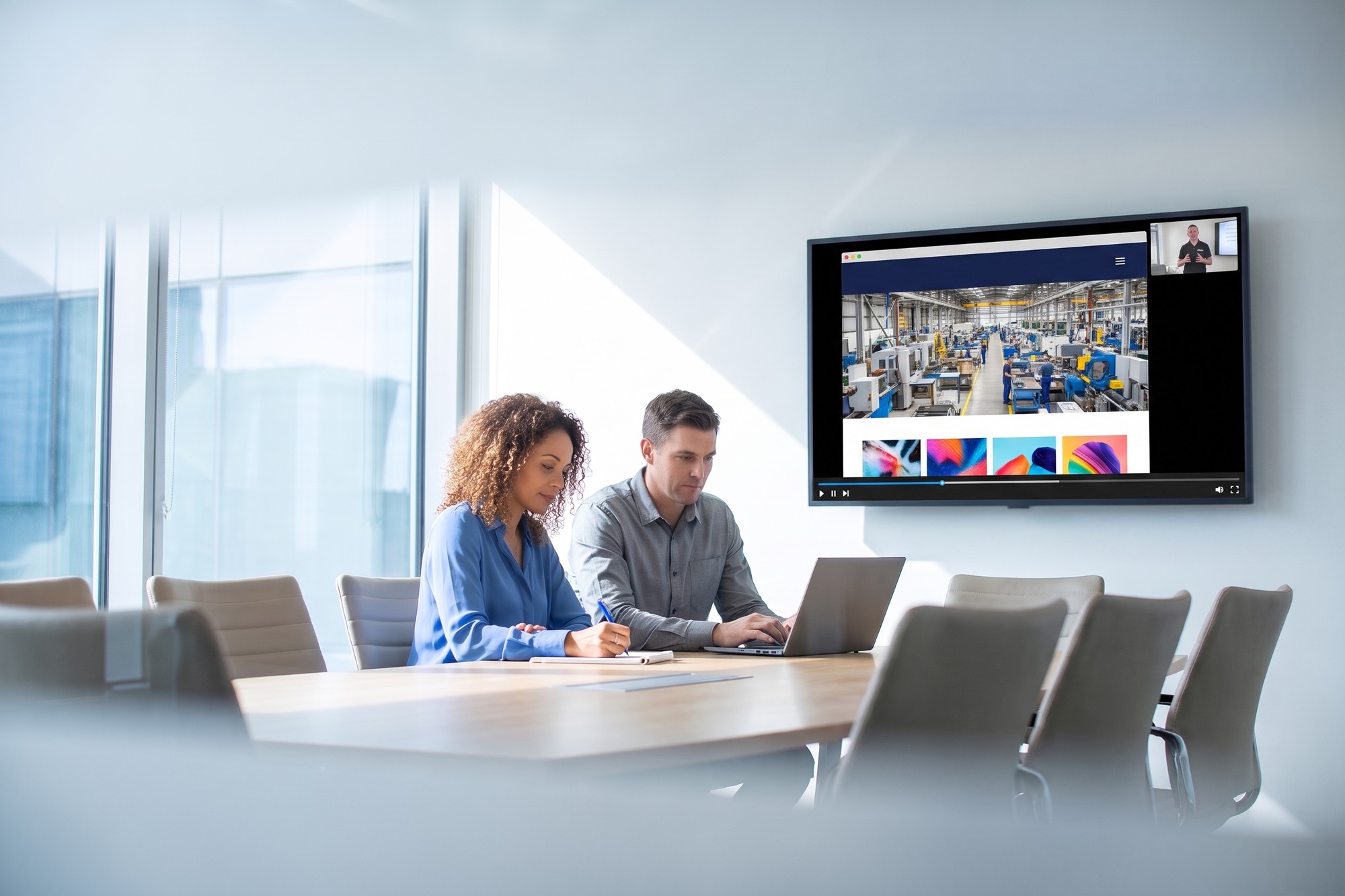
Every site we launch comes with a training session over video conference, with screen sharing. Depending on the complexity of the site, it runs anywhere from 60 to 120 minutes. A few habits make it worth more:
- Invite the people who’ll do the editing. The project team usually attends, but the marketing staff who’ll update the site day to day often weren’t part of the build. They’re the ones who most need to be there.
- Record it. Clients are welcome to record their session, and we’d encourage it. A recording made on your own site is the closest thing to a manual you’ll have, and it’s what a new hire will need when the person who attended moves on.
- Rewatch before a bigger change. If it’s been months since your last edit, 20 minutes with the recording is cheaper than an afternoon untangling a broken section.
- Use the official help when you’re stuck. The WordPress documentation covers the editor itself, and most page builders keep their own guides. We point clients to both.
This is also where who owns your website matters. Make sure logins belong to the company rather than to one person, and that more than one person knows where they’re kept.
Know which lane you’re in
Staying in your lane is good advice, whichever lane you pick. Self-sufficient, hands-off, and hybrid all work when they’re chosen deliberately. Trouble comes from drifting between them, with a long silence followed by an ambitious edit.
If you’re planning a new site and want to decide how your team will look after it, or you’d like a second opinion on what you can safely handle yourselves, book a discovery call. It’s a useful conversation about your site and your team, with no pitch, and no pressure.


